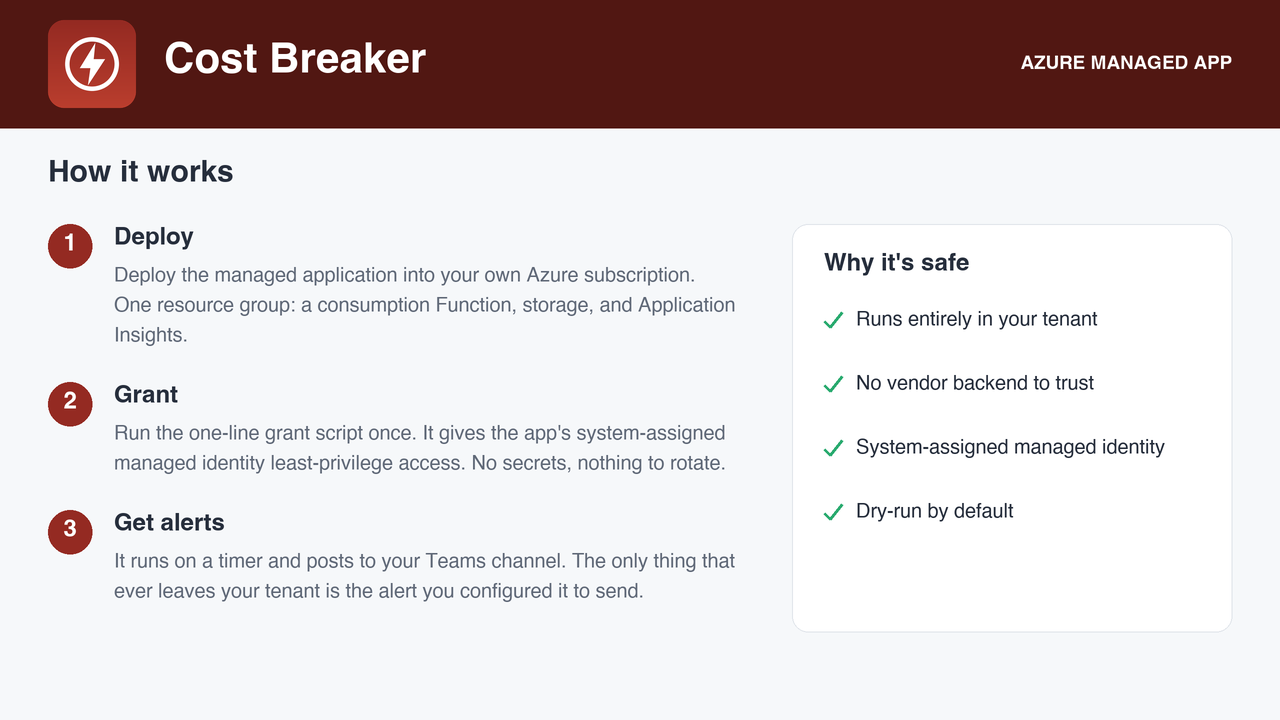
Deploys as a managed application in your own subscription. No vendor backend, no data egress.
Flat USD 39 per month, billed by Microsoft.
The gap
Azure budgets are notifications, not limits. A runaway deployment or a forgotten VM keeps billing after every alert has fired. The request for a real cap has been open on the billing forum for thirteen years and is the single most-voted item there.
What it does
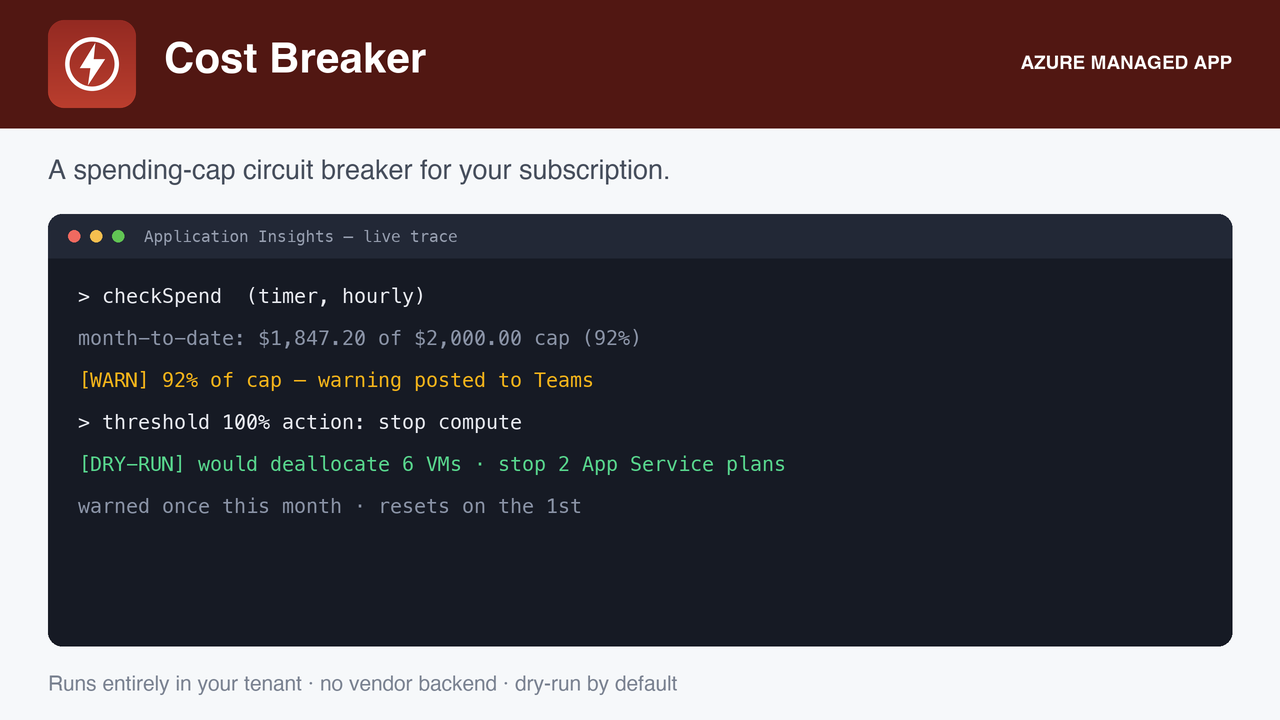
Hourly check of month-to-date actual cost through Cost Management, compared in your billing currency.
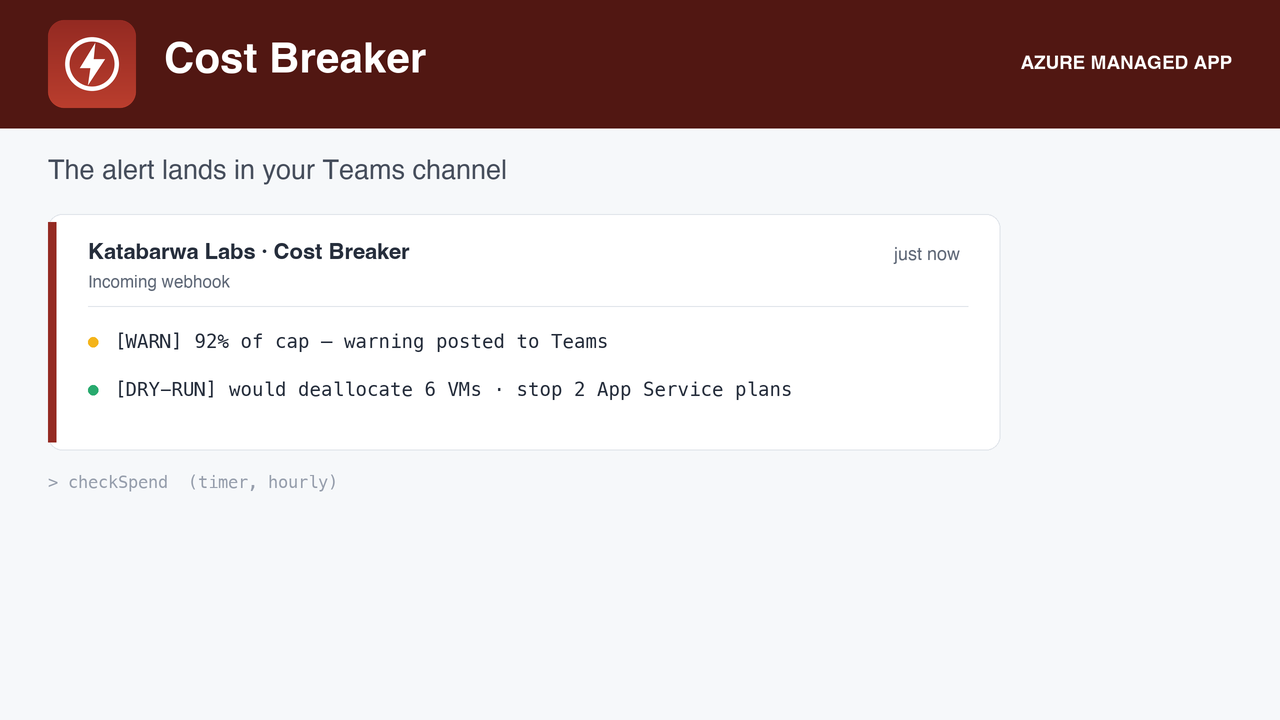
One Teams warning per month at the warning threshold (default 80 percent).
At the cap, deallocates running VMs and stops running web apps not tagged costbreaker-exempt=true, and posts exactly what it did.
Ships in dry run: it reports what it would stop until you set DRY_RUN=false.
Least-privilege custom role that can list, deallocate, and stop, and nothing else; it cannot create, delete, or reconfigure.
The trip card: spend against cap, what was deallocated, what was stopped, what was exempt.The hourly guard and the warning card at 80 percent.Exemption by tag, so production stays up while the sandbox is cut.
Honest about its limits
It stops compute: VMs and web apps, the big runaway line items. Storage, egress, and committed costs keep billing. It is a circuit breaker for compute, not a guaranteed hard cap, and the listing says so.
Cost Management data lags real usage by hours, so the cap trips after the fact, not at the exact dollar.
The one write path, honestly scoped: Deallocating VMs and stopping web apps that are not tagged exempt, only after the cap is reached and only once you have turned dry run off.
How it runs, and what it needs
A serverless function on a schedule, with a system-assigned managed identity, deployed into your subscription
by the Azure Marketplace. Roles are granted by you after deployment with the one-line script in the package, so
nothing runs until you say so. Every role it asks for, and why:
Cost Management Reader
read month-to-date spend
Cost Breaker Enforcer (custom role)
list and deallocate VMs, list and stop web apps; no create, delete, or reconfigure
Alerts go to the Teams webhook you configure. Nothing is sent anywhere else.
FAQ
Does any data leave my subscription?
No. The function runs in your subscription and writes only to your configured alert destination. Katabarwa Labs operates no backend and receives nothing.
How is it billed?
A flat USD 39 per month on your Azure bill through the Marketplace, plus the small consumption cost of the function itself. No per-resource or per-user pricing.
How do I remove it?
Delete the managed application from the Azure portal. Its resource group and identity go with it, and any role you granted can be removed the same way.