Katabarwa Labs
← All Azure apps

Access & identity · RBAC Janitor

Clean up orphaned "Identity not found" Azure role assignments

Deleted principals leave role assignments behind that clutter IAM and count toward the 4,000 limit. Find them daily, and remove them safely if you choose.

Deploys as a managed application in your own subscription. No vendor backend, no data egress. Flat monthly fee, billed by Microsoft.

The gap

Every IAM blade in a mature subscription shows a few "Identity not found" rows. They are harmless until the day a deployment fails because the subscription hit its role assignment limit and nobody can find which of the four thousand are dead. There is no native bulk cleanup.

What it does
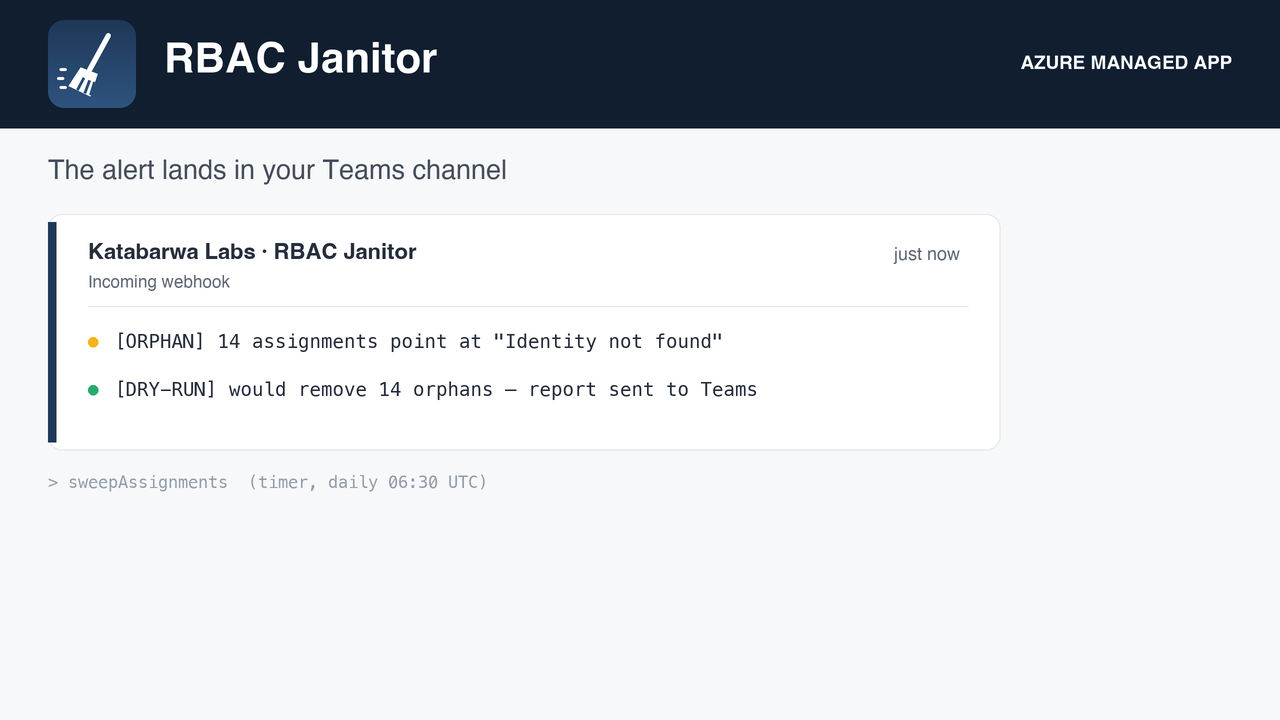
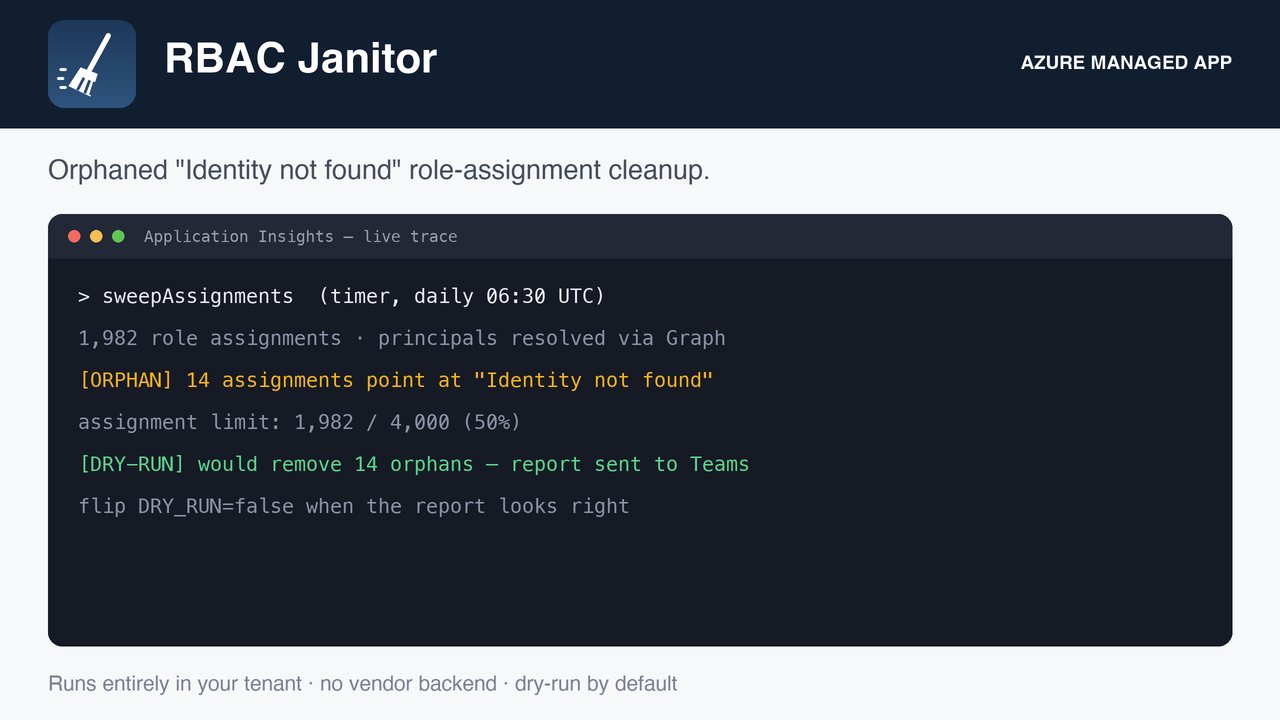
The daily card: orphaned assignments, the count against the limit, and anything unverified.
Per-assignment detail with the missing principal id, role, and scope.
Cleanup mode with the fail-closed and circuit-breaker safeguards visible.
Honest about its limits
How it runs, and what it needs

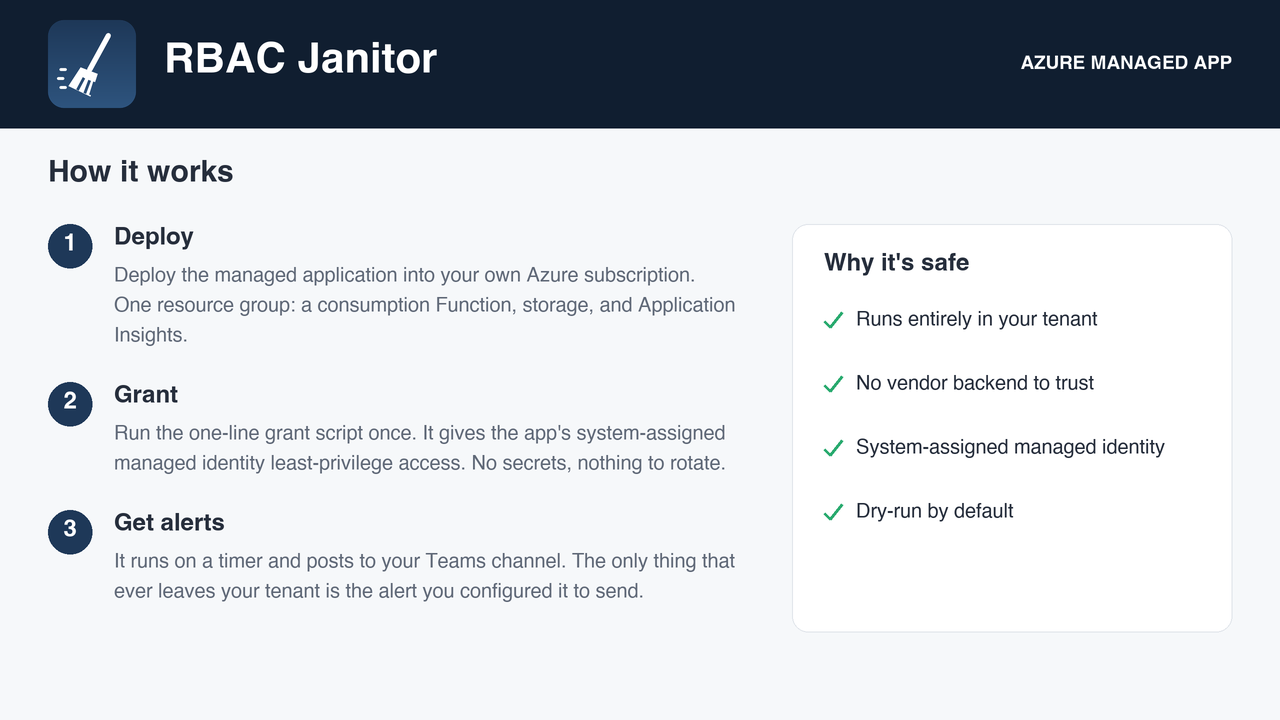
A serverless function on a schedule, with a system-assigned managed identity, deployed into your subscription by the Azure Marketplace. Roles are granted by you after deployment with the one-line script in the package, so nothing runs until you say so. Every role it asks for, and why:

Reader list role assignments
Microsoft Graph Directory.Read.All confirm whether each principal still exists
User Access Administrator (only if you enable deletion) remove confirmed orphans

Alerts go to the Teams webhook you configure. Nothing is sent anywhere else.
FAQ

Does any data leave my subscription?

No. The function runs in your subscription and writes only to your configured alert destination. Katabarwa Labs operates no backend and receives nothing.

How is it billed?

A flat monthly fee on your Azure bill through the Marketplace, plus the small consumption cost of the function itself. No per-resource or per-user pricing.

How do I remove it?

Delete the managed application from the Azure portal. Its resource group and identity go with it, and any role you granted can be removed the same way.

Where do I get support?

support@llmgraph.ai, or the support page.

Deploy RBAC Janitor in your subscription.

Deleted principals leave role assignments behind that clutter IAM and count toward the 4,000 limit. Find them daily, and remove them safely if you choose.

Deploy from the Azure Marketplace