Katabarwa Labs
← All Atlassian apps

Confluence · Crisp Diagrams

Mermaid, PlantUML, D2, DBML and Excalidraw diagrams in Confluence Cloud

Five diagram languages, one free app: sharp SVG that fits the page, click to zoom, live preview, dark mode, and images in PDF and Word exports.

Runs entirely on Atlassian Forge inside your own tenant. No external servers, no data egress.

The gap

Diagram macros for Confluence tend to ship a blurry fixed-size image, break in PDF exports, need a render server or an account, lag years behind the engine, or handle only one language. Teams end up with three diagram apps and a folder of screenshots.

What it does
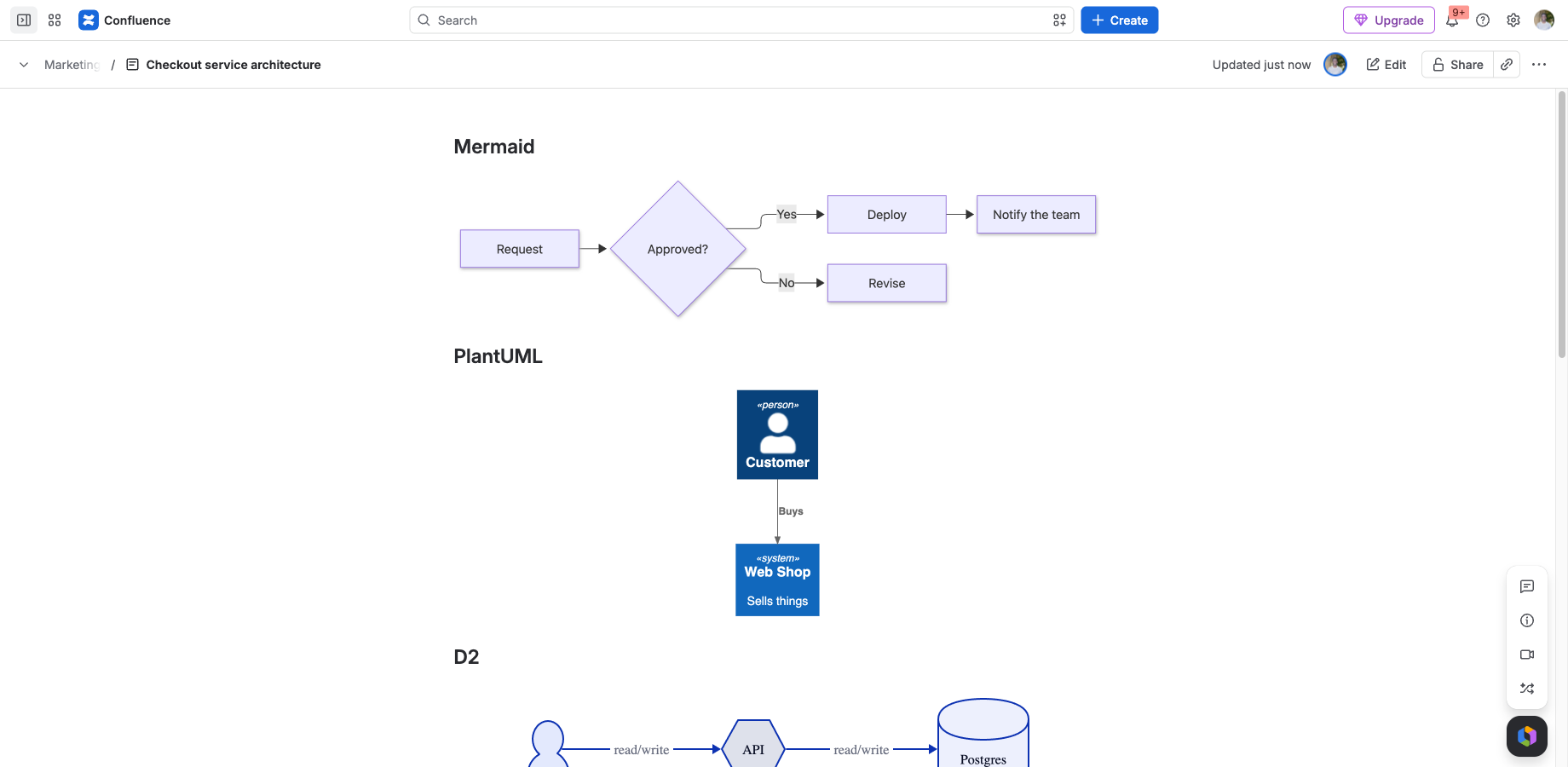
Mermaid, PlantUML, D2, DBML and Excalidraw side by side on one page, all rendered as SVG.
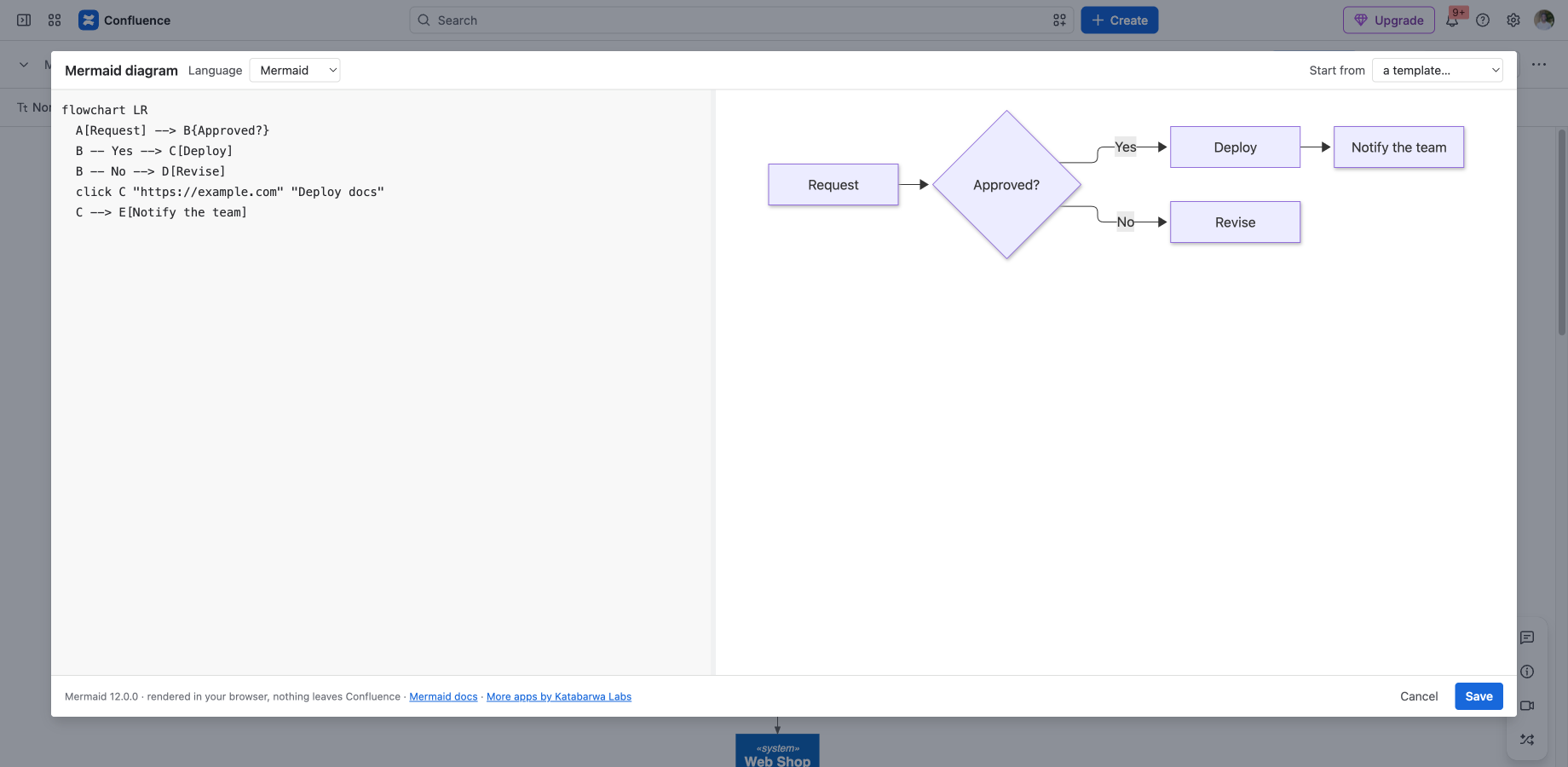
The editor: live preview, language switch, starter templates, errors with a line number.
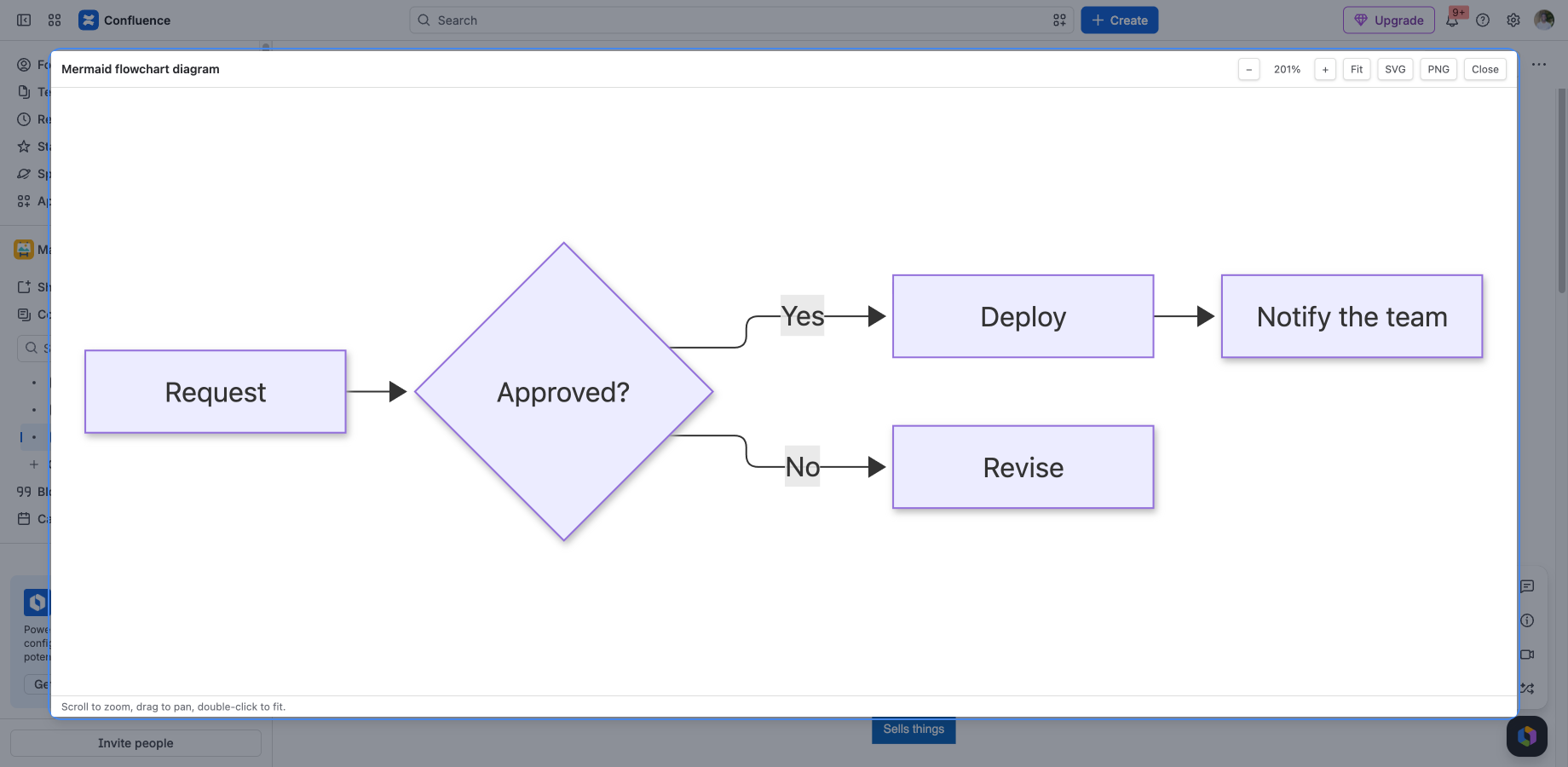
Full-screen view with zoom and pan, and the same diagram inside a PDF export.
Honest about its limits
Security & permissions

Built on Atlassian Forge: the app runs on Atlassian's own serverless platform inside your tenant, stores its data in Forge storage, and makes no external network calls. Every scope it requests, and why:

storage:app drawings over about 200 KB are stored in Forge storage inside your tenant
read:content-details:confluence / write:attachment:confluence attaching the diagram PNG to the page on save, as you, so exports show the image
read:attachment:confluence the export function looks up that PNG when Confluence builds a PDF or Word export
FAQ

Does any data leave my instance?

No. The app runs on Atlassian Forge inside your own tenant with zero external egress, which makes it eligible for Atlassian's Runs on Atlassian trust marker.

How is it billed?

Through the Atlassian Marketplace, on your existing Atlassian bill, priced per user like any Cloud app. The listing has a free evaluation and the exact calculator for your tier.

Where do I get support?

Email support@llmgraph.ai or open an issue from the documentation page. You talk directly to the people who build the app.

Install Crisp Diagrams in about a minute.

Free evaluation from the Marketplace listing. If it does not fit your workflow, tell us what would and we will build it.