Katabarwa Labs
← All Atlassian apps

Jira Service Management · Assets Export Manager for JSM

Bulk export a JSM Assets object schema to CSV or JSON

Export a whole JSM Assets object schema, every object and attribute, to audit-ready CSV or JSON.

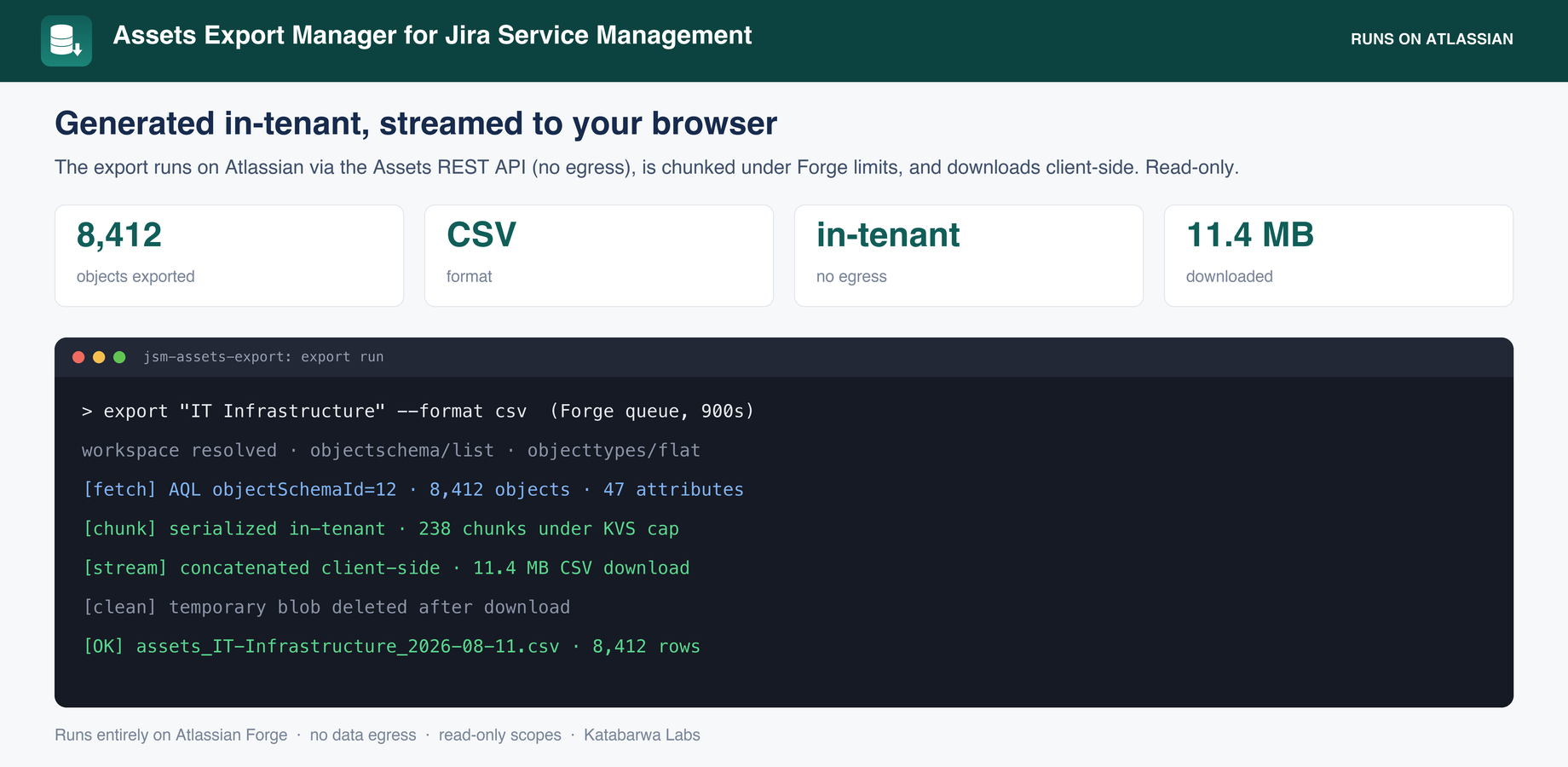
Runs entirely on Atlassian Forge inside your own tenant. No external servers, no data egress.

Why it exists

This app answers a request that has been open on Atlassian's public tracker for years: JSDCLOUD-9967, "Ability to export Assets data from an object schema", with 584 votes.

The gap

JSM Assets has no built-in bulk export. Getting a schema's objects into a spreadsheet means paging the AQL API by hand or copying screens. The ask has been open on the public tracker for years.

What it does
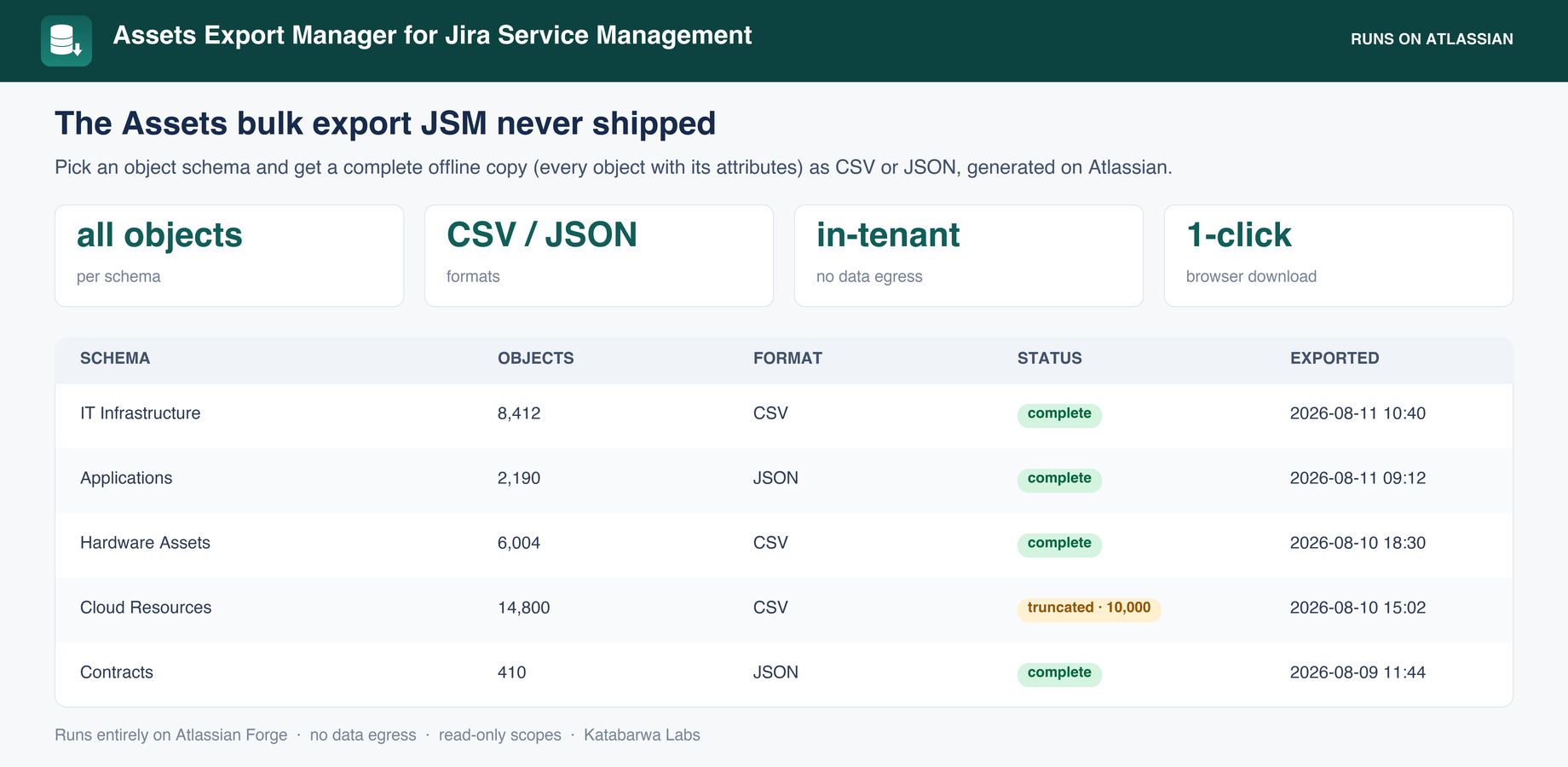
Pick a schema and format; the export streams to your browser.
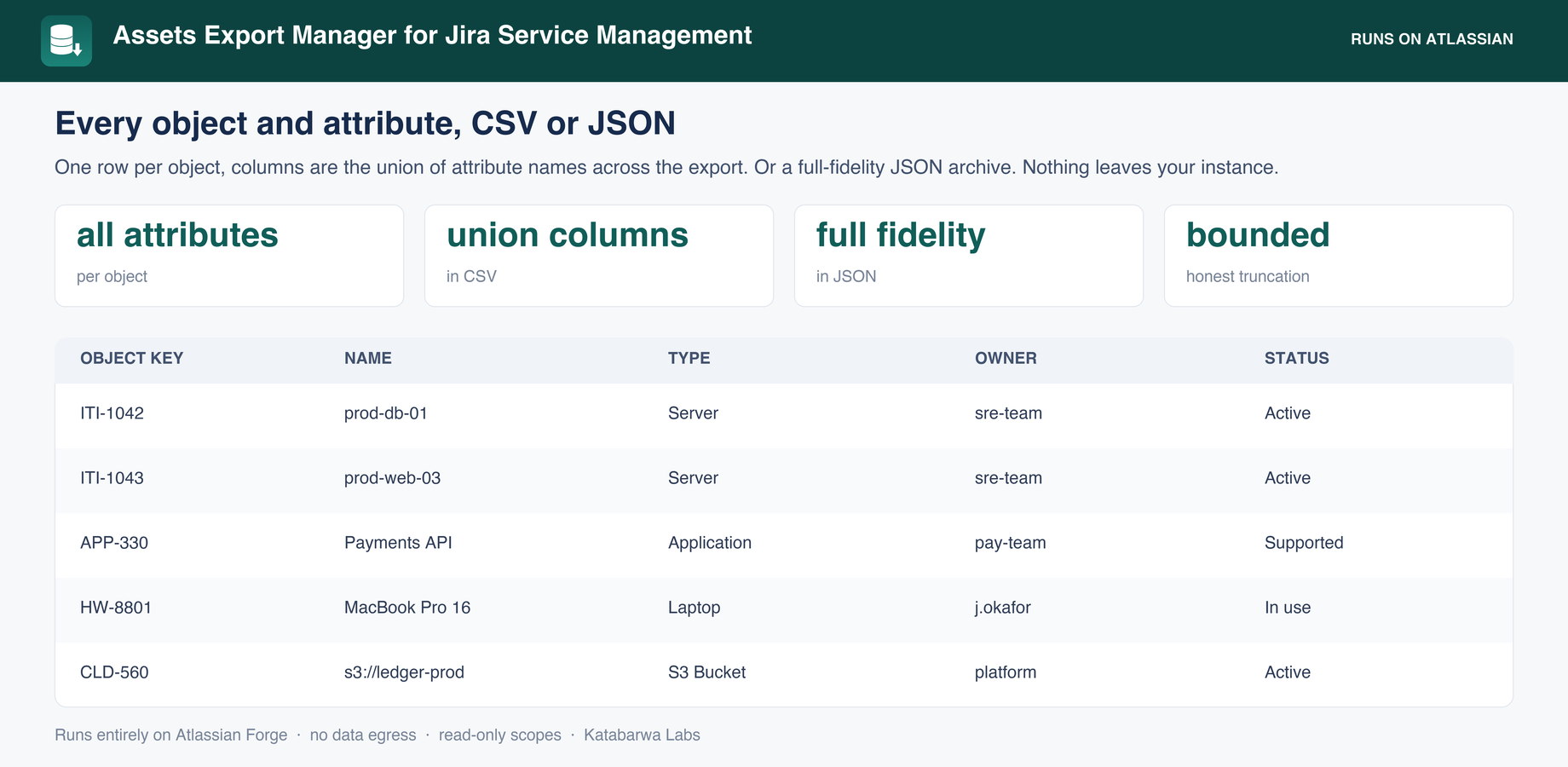
Every object with every attribute, one row per object.
The export history: who exported what, when.
Honest about its limits
Security & permissions

Built on Atlassian Forge: the app runs on Atlassian's own serverless platform inside your tenant, stores its data in Forge storage, and makes no external network calls. Every scope it requests, and why:

read:cmdb-schema:jira / read:cmdb-type:jira / read:cmdb-object:jira listing schemas and paging objects with attributes
read:servicedesk-request resolving the Assets workspace id
storage:app export history and in-flight state, in your tenant
The native feature it builds on

Atlassian's own documentation for what Jira Service Management does out of the box, so you can see exactly where the gap is:

FAQ

Does any data leave my instance?

No. The app runs on Atlassian Forge inside your own tenant with zero external egress, which makes it eligible for Atlassian's Runs on Atlassian trust marker.

How is it billed?

Through the Atlassian Marketplace, on your existing Atlassian bill, priced per user like any Cloud app. The listing has a free evaluation and the exact calculator for your tier.

Where do I get support?

Email support@llmgraph.ai or open an issue from the documentation page. You talk directly to the people who build the app.

Install Assets Export Manager for JSM in about a minute.

Free evaluation from the Marketplace listing. If it does not fit your workflow, tell us what would and we will build it.