Katabarwa Labs
← All Azure apps

Secrets & certificates · Secret Sentinel

Get alerted before Entra app registration secrets and certificates expire

Every app registration in your tenant, every client secret and certificate, one Teams alert before any of them expires. Runs in your own tenant.

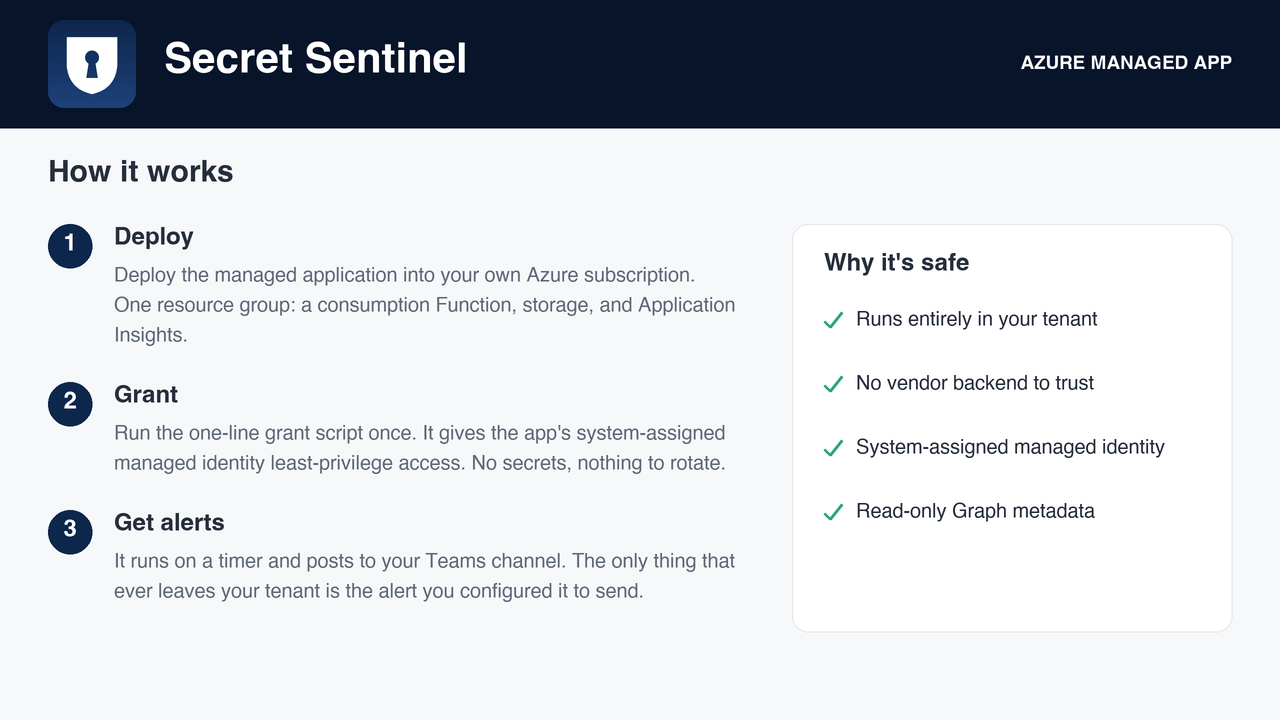
Deploys as a managed application in your own subscription. No vendor backend, no data egress. Flat monthly fee, billed by Microsoft.

The gap

An expired client secret takes an integration down silently, and the first sign is usually a failing pipeline or a support ticket. Entra shows every expiry date on the app registration blade and does nothing with it. The feedback request for native alerting has been open for years with hundreds of votes.

What it does
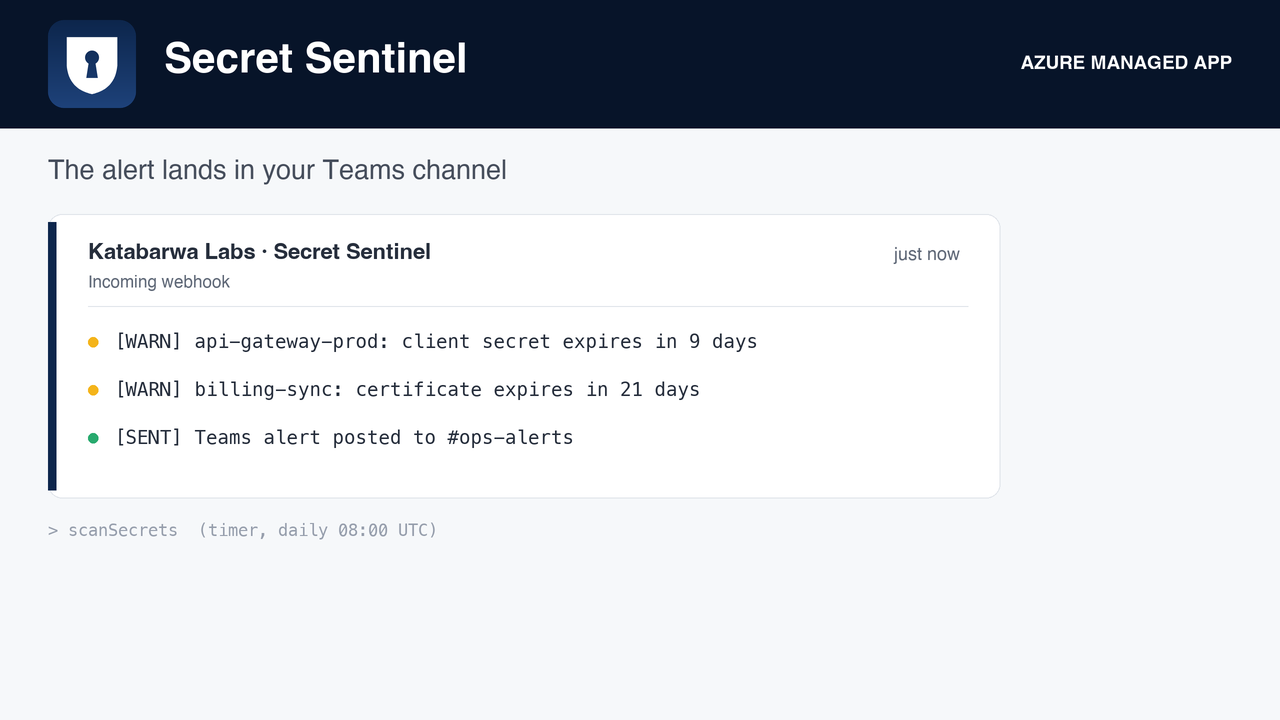
The digest: every secret and certificate approaching expiry, grouped by app registration.
Overview of the tenant: how many credentials, how many expiring, how many already expired.
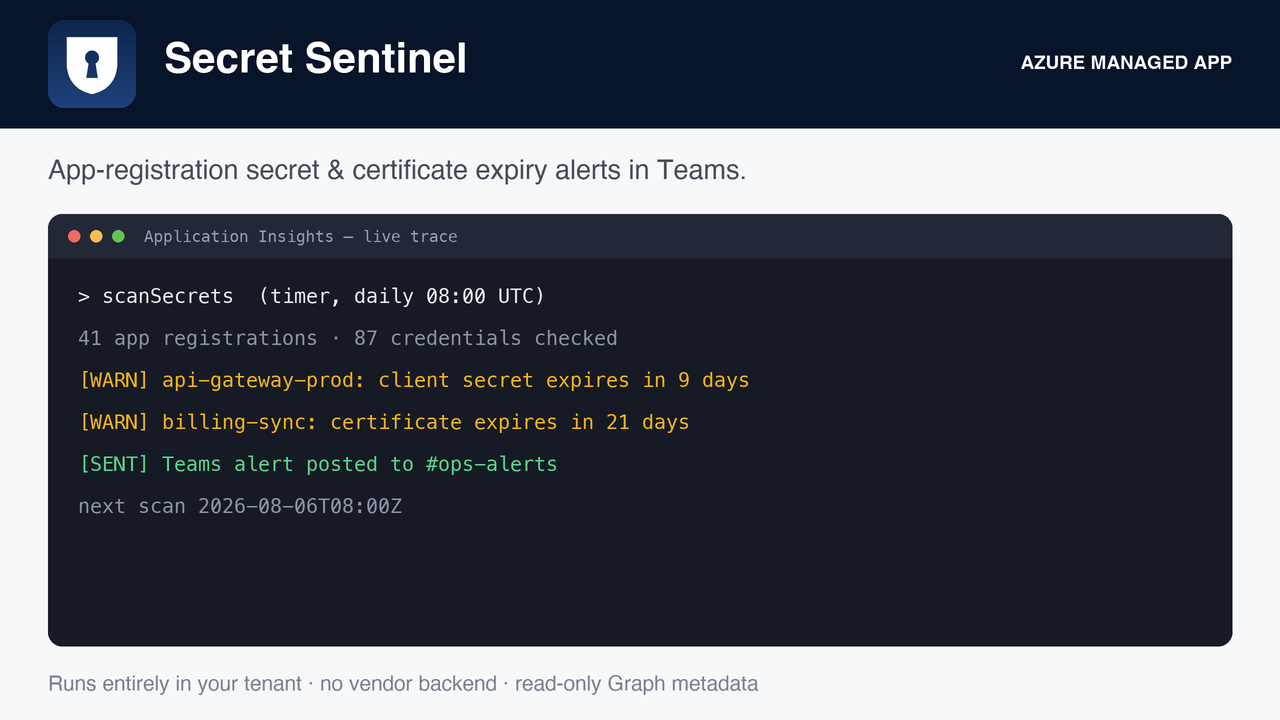
Function traces in your own Application Insights, so you can see each scan run.
Honest about its limits
How it runs, and what it needs

A serverless function on a schedule, with a system-assigned managed identity, deployed into your subscription by the Azure Marketplace. Roles are granted by you after deployment with the one-line script in the package, so nothing runs until you say so. Every role it asks for, and why:

Microsoft Graph Application.Read.All read app registrations and their credential metadata

Alerts go to the Teams webhook you configure. Nothing is sent anywhere else.
FAQ

Does any data leave my subscription?

No. The function runs in your subscription and writes only to your configured alert destination. Katabarwa Labs operates no backend and receives nothing.

How is it billed?

A flat monthly fee on your Azure bill through the Marketplace, plus the small consumption cost of the function itself. No per-resource or per-user pricing.

How do I remove it?

Delete the managed application from the Azure portal. Its resource group and identity go with it, and any role you granted can be removed the same way.

Where do I get support?

support@llmgraph.ai, or the support page.

Deploy Secret Sentinel in your subscription.

Every app registration in your tenant, every client secret and certificate, one Teams alert before any of them expires. Runs in your own tenant.

Deploy from the Azure Marketplace