← All Azure apps Access & identity · Identity Lifecycle
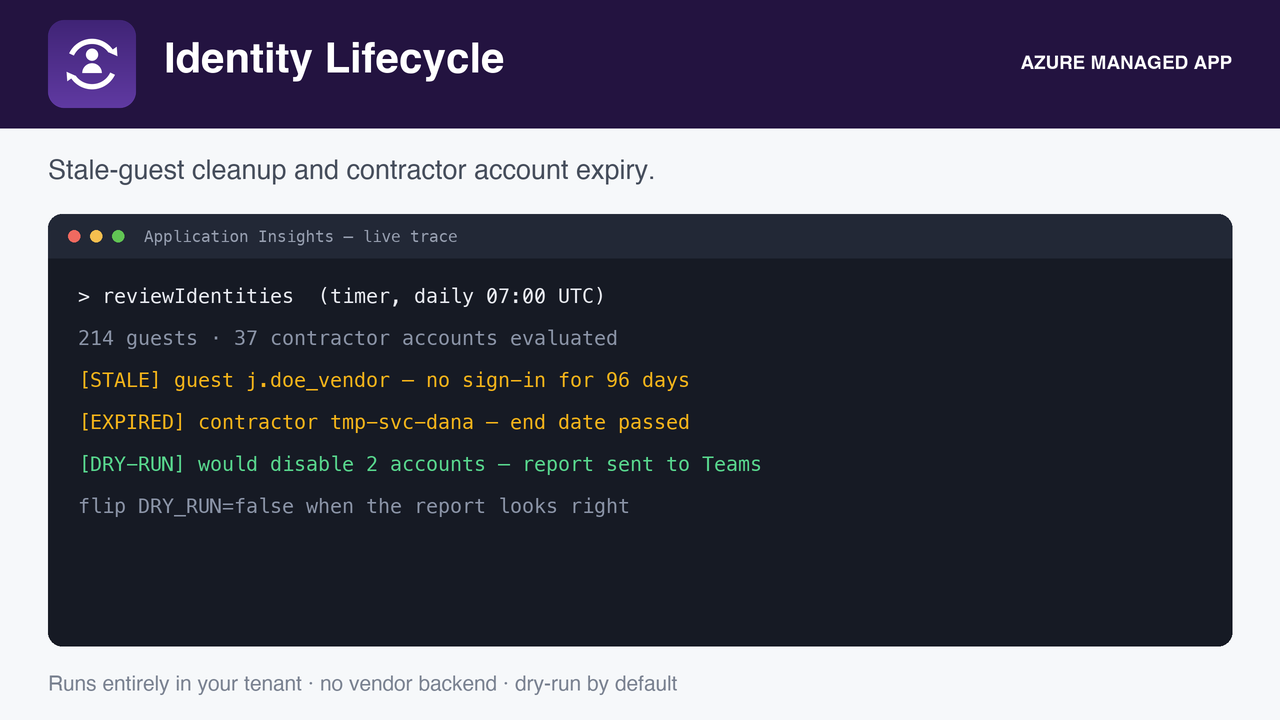
The cloud equivalent of accountExpires, plus a warn, disable, delete pipeline for inactive guests. Two governance features Microsoft gates behind P2, as one flat fee.
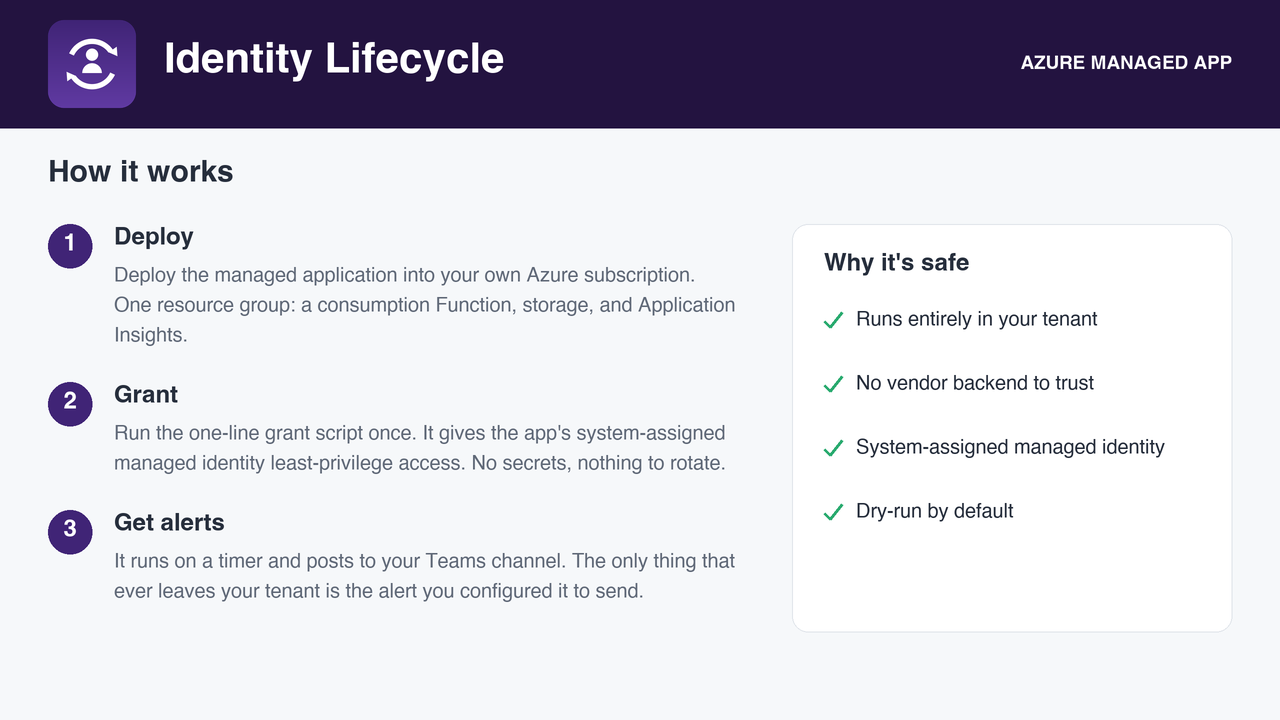
Deploys as a managed application in your own subscription. No vendor backend, no data egress.
Flat monthly fee, billed by Microsoft.
How it runs, and what it needs
A serverless function on a schedule, with a system-assigned managed identity, deployed into your subscription
by the Azure Marketplace. Roles are granted by you after deployment with the one-line script in the package, so
nothing runs until you say so. Every role it asks for, and why:
| Microsoft Graph User.Read.All and AuditLog.Read.All | read users and sign-in activity |
| Microsoft Graph LifeCycleInfo.Read.All | read employeeLeaveDateTime |
| Microsoft Graph User.EnableDisableAccount.All and User.ReadWrite.All | disable expired accounts and stale guests, and delete guests if you enable it |
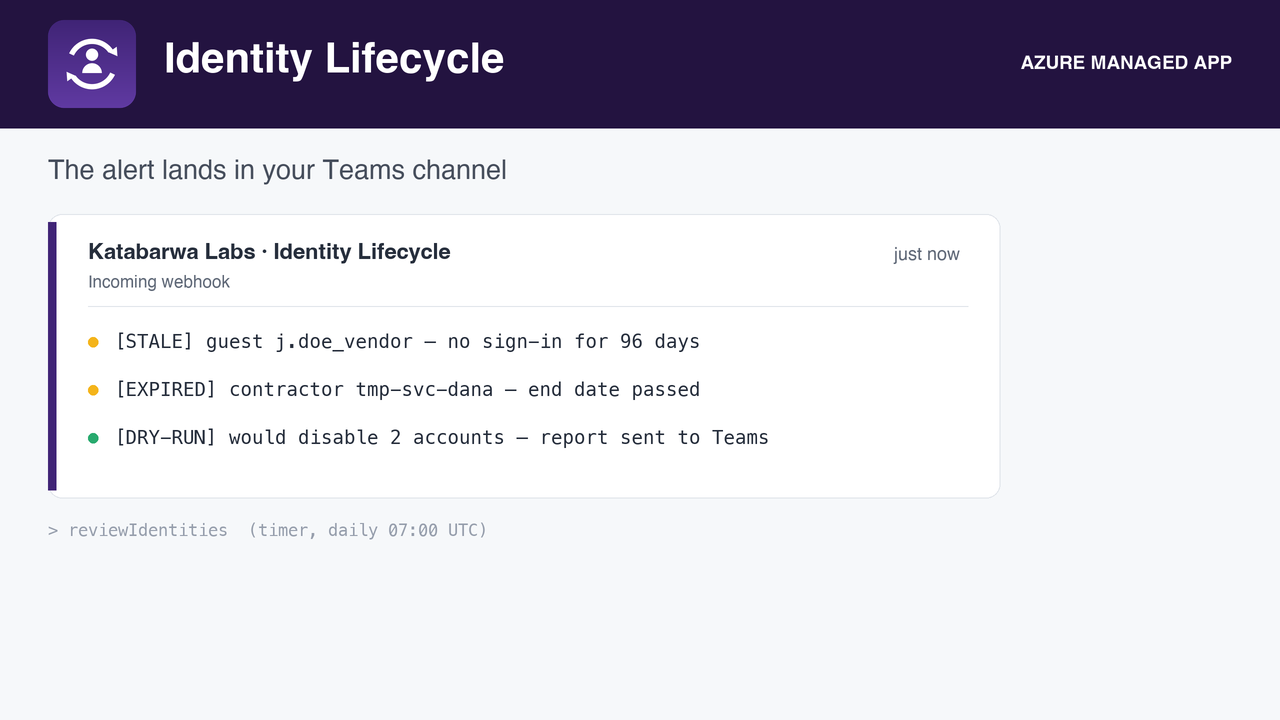
Alerts go to the Teams webhook you configure. Nothing is sent anywhere else.